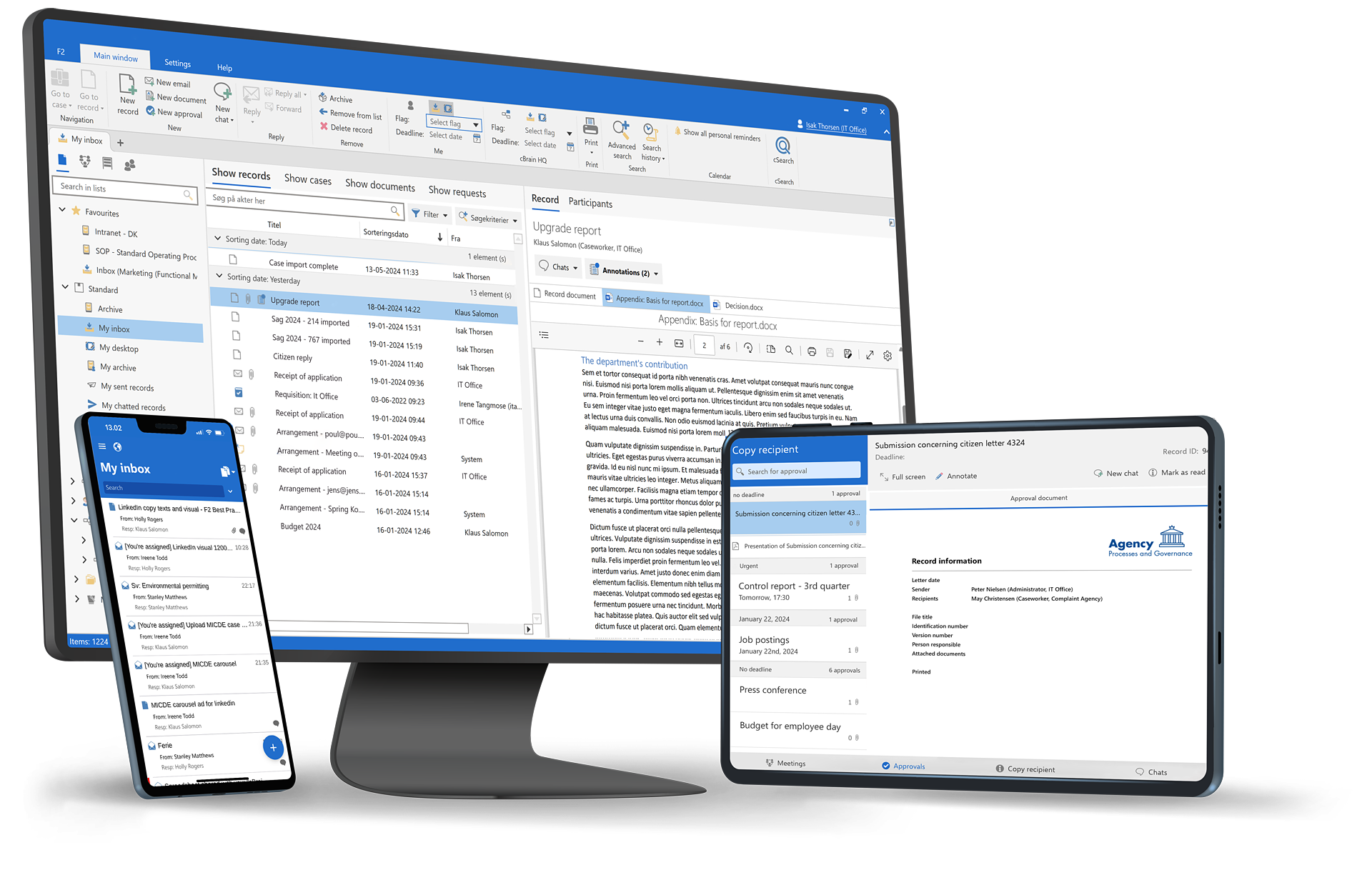
Monitor system and process events to support operations and troubleshooting.

Event log provides visibility into system and process events, helping organizations understand behavior, diagnose issues, and maintain stable operations.

Operational visibility. Track system and process events.

Faster troubleshooting. Identify issues quickly.
Stable operations. Support reliable service delivery.

Product overview

System and process events

  • Logging of system-generated events
  • Tracking of process and workflow events
  • Time-stamped event records
  • Searchable and filterable event data
  • Support for operations and diagnostics
Book a demo

Key benefits

Operational insight
Teams gain visibility into how systems and processes behave.
Faster resolution
Events help identify and resolve issues more quickly.
Stable operations
Proactive monitoring supports reliable service delivery.

Core capabilities

Event capture
  • Log system and process events
  • Record timestamps and event types
  • Capture execution outcomes
Event analysis
  • Search and filter events
  • Identify patterns and anomalies
  • Support root-cause analysis
Operational support
  • Assist troubleshooting efforts
  • Support system monitoring
  • Enable technical oversight

How it works

Approvals are surfaced to decision-makers through F2 Manager and F2 Touch, allowing secure review and action while maintaining full auditability.

Book a demo

How it works

A few simple steps are all that are needed to ensure a consistent and compliant process:

  1. Administrators define request types with workflows and rules
  2. Users submit requests using structured forms
  3. Requests are routed automatically to the right roles — also externally
  4. Decisions and approvals are documented
  5. Requests are completed with full audit trail

All steps are managed within the shared data model of cBrain F2, ensuring consistency across processes and products.

Book a demo

How it works

A few simple steps are all that are needed to ensure a consistent and compliant process:

  1. FOI requests are received via email, portals, or internal registration
  2. Requests are automatically structured as FOI cases
  3. Documents are collected, reviewed, and approved within the workflow
  4. Decisions and disclosures are formally documented
  5. Responses are sent with full traceability and audit logging

All steps are handled within the shared data model of cBrain F2, ensuring consistency and reuse across the organization.

Book a demo

Use cases

Troubleshooting

Analyze system behavior during incidents.

Process monitoring

Monitor execution of workflows and integrations.

Technical oversight

Support operational reviews and system health checks.

Trusted by government leaders

“The event log helps us understand what happens behind the scenes.”
IT Operations Manager
“We use event data to diagnose issues before they affect users.”
System Administrator
“It gives us confidence in the stability of critical processes.”
Head of IT Operations

Security & compliance

Controlled access

Only authorized users can view event data.

Secure logging

Event data is stored securely and protected from tampering.

Compliance support

Event logs support operational and regulatory requirements.

Frequently asked questions

Is the event log the same as the audit log?
Arrow Down Icon
Can events be filtered?
Arrow Down Icon
Who uses the event log?
Arrow Down Icon

Ready to see how we can help you?

Please provide us with some information about yourself, and we will connect you with the most suitable expert. We offer a range of options, from a discussion on your digitalization challenges to a complimentary consultation reviewing your current processes.
Thank you, we have received your request and will be in touch shortly.
Oh no! Something went wrong while submitting the form. Please try again.

How it works

System and process events are logged automatically as operations run, creating a centralized view for monitoring and analysis by authorized users.

Book a demo