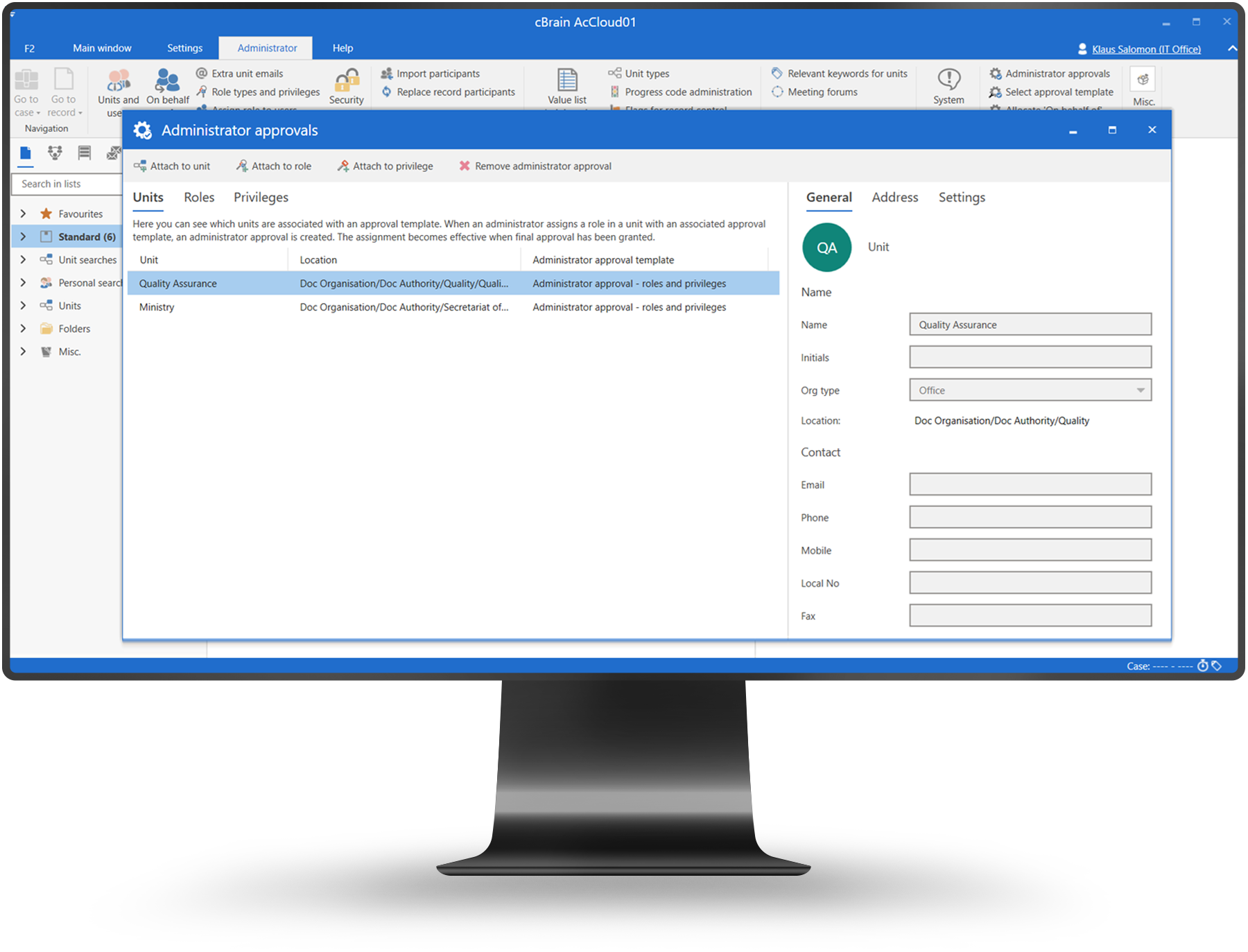

Administrator Approvals

Define and govern approval processes across the organization.

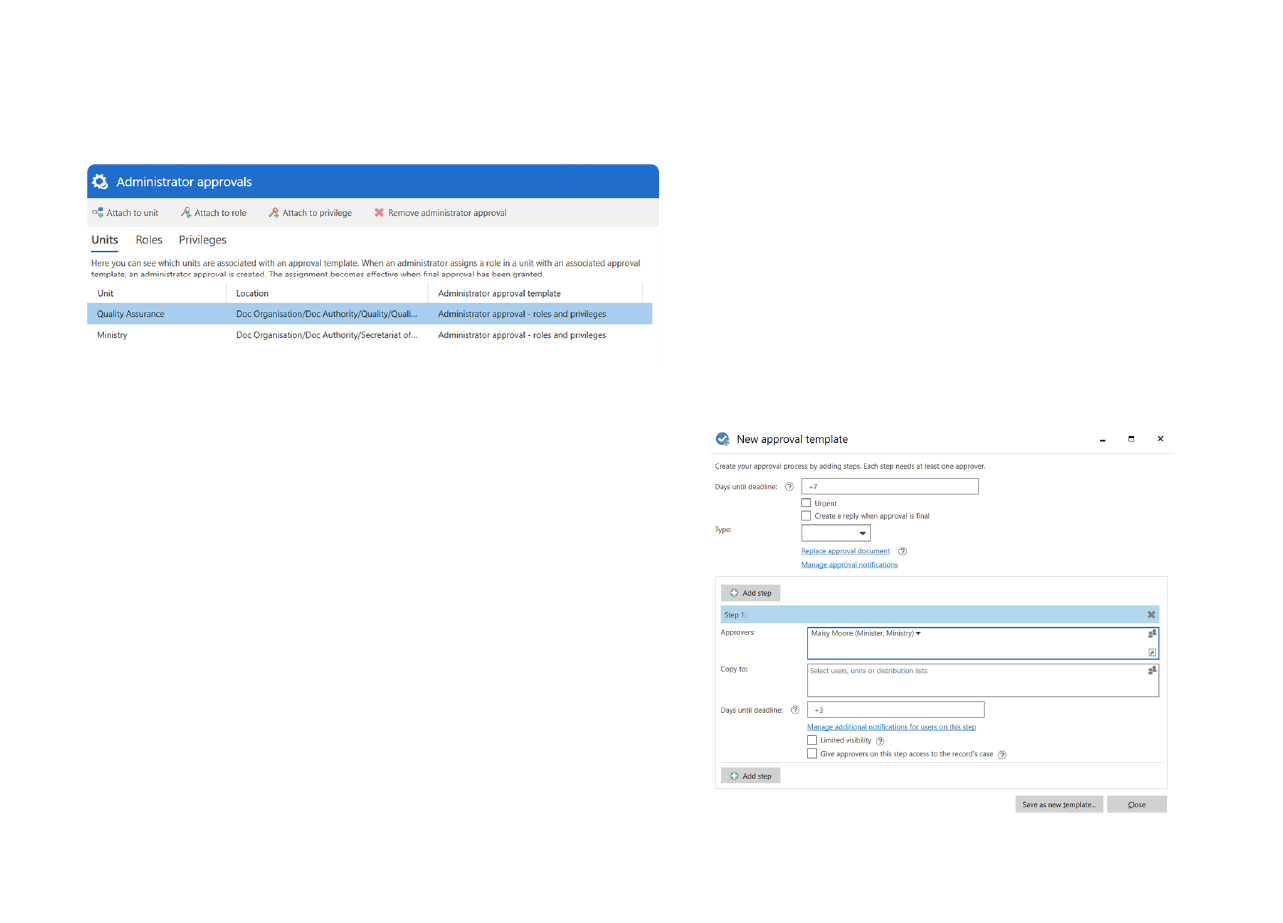
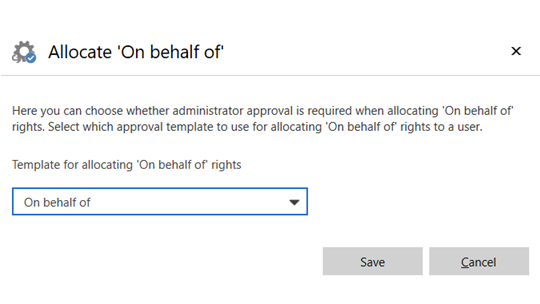
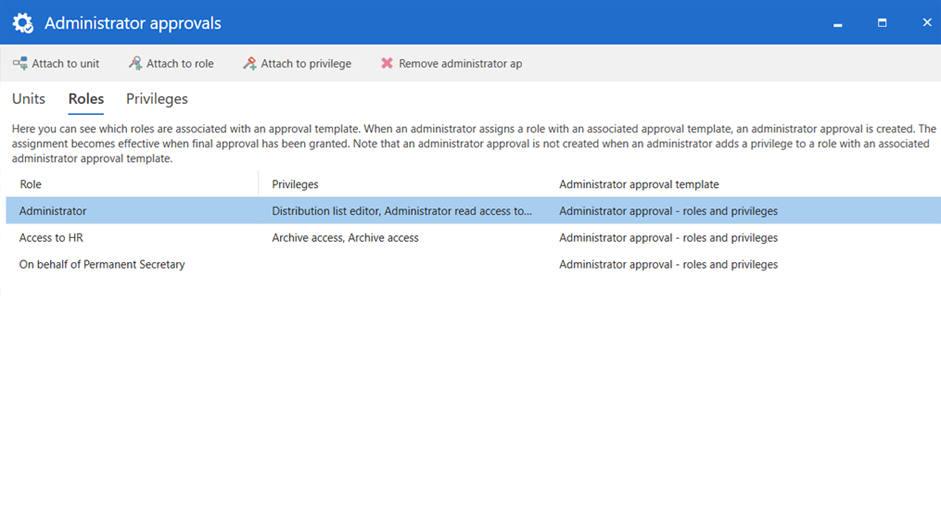
Administrator approvals provide controlled assignment of roles, privileges, and “on-behalf-of” rights. Sensitive or high-risk access is granted through a formal approval workflow that enforces the four-eyes principle and ensures full auditability.

Central governance. Define approval rules once, apply them everywhere.

Policy enforcement. Ensure approvals follow formal authority and rules.

Predictable execution. Prevent stalled or bypassed approvals.

Product overview

Central approval governance

  • Central configuration of approval rules
  • Role-based approval responsibilities
  • Multi-step approval chains
  • Escalation and fallback logic
  • Consistent enforcement across processes

Book a demo

Key benefits

Policy alignment
Approvals follow defined organizational rules and policies.
Reduced risk
Central control prevents informal or bypassed approvals.
Predictable execution
Approval processes behave consistently across departments.

Core capabilities

Approval rules
  • Define approval steps and sequences
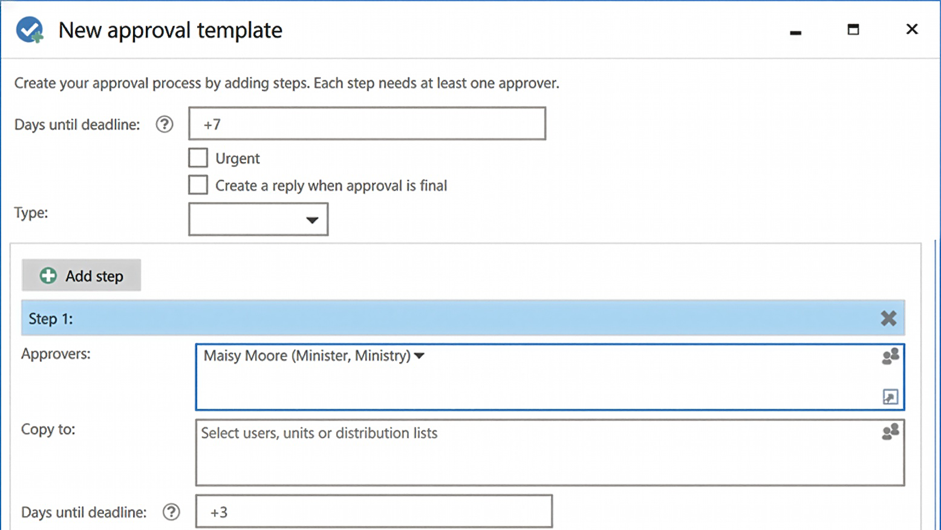
  • Assign roles and approval authority
  • Configure conditional approval logic
Escalation control
  • Set deadlines and escalation paths
  • Handle absences and delegation
  • Ensure approvals never stall
Organization-wide reuse
  • Apply approval logic across processes
  • Update rules centrally
  • Maintain consistent governance

How it works

Approvals are surfaced to decision-makers through F2 Manager and F2 Touch, allowing secure review and action while maintaining full auditability.

Book a demo

How it works

A few simple steps are all that are needed to ensure a consistent and compliant process:

  1. Administrators define request types with workflows and rules
  2. Users submit requests using structured forms
  3. Requests are routed automatically to the right roles — also externally
  4. Decisions and approvals are documented
  5. Requests are completed with full audit trail

All steps are managed within the shared data model of cBrain F2, ensuring consistency across processes and products.

Book a demo

How it works

A few simple steps are all that are needed to ensure a consistent and compliant process:

  1. FOI requests are received via email, portals, or internal registration
  2. Requests are automatically structured as FOI cases
  3. Documents are collected, reviewed, and approved within the workflow
  4. Decisions and disclosures are formally documented
  5. Responses are sent with full traceability and audit logging

All steps are handled within the shared data model of cBrain F2, ensuring consistency and reuse across the organization.

Book a demo

Use cases

Formal decisions

Ensure compliant approval of regulated decisions.

Delegated authority

Handle absences without breaking governance.

Cross-unit approvals

Support approvals involving multiple departments.

Trusted by government leaders

“Administrator Approvals gave us confidence that decisions follow the right authority every time.”
Head of Administration
“We eliminated ad-hoc approvals by enforcing clear rules across the organization.”
Governance Manager
“Central control makes audits much easier and reduces operational risk.”
Internal Audit Lead

Security & compliance

Role enforcement

Only authorized roles can approve specific actions.

Full traceability

All approvals are logged with timestamps and decisions.

Secure control

Approval logic is protected against unauthorized changes.

Frequently asked questions

Can approval rules differ by process?
Arrow Down Icon
Who manages approval rules?
Arrow Down Icon
Are approvals auditable?
Arrow Down Icon

Ready to see how we can help you?

Please provide us with some information about yourself, and we will connect you with the most suitable expert. We offer a range of options, from a discussion on your digitalization challenges to a complimentary consultation reviewing your current processes.
Thank you, we have received your request and will be in touch shortly.
Oh no! Something went wrong while submitting the form. Please try again.

How it works

Administrators configure approval rules centrally, which are automatically applied when assigning roles and approval authority.

Book a demo