


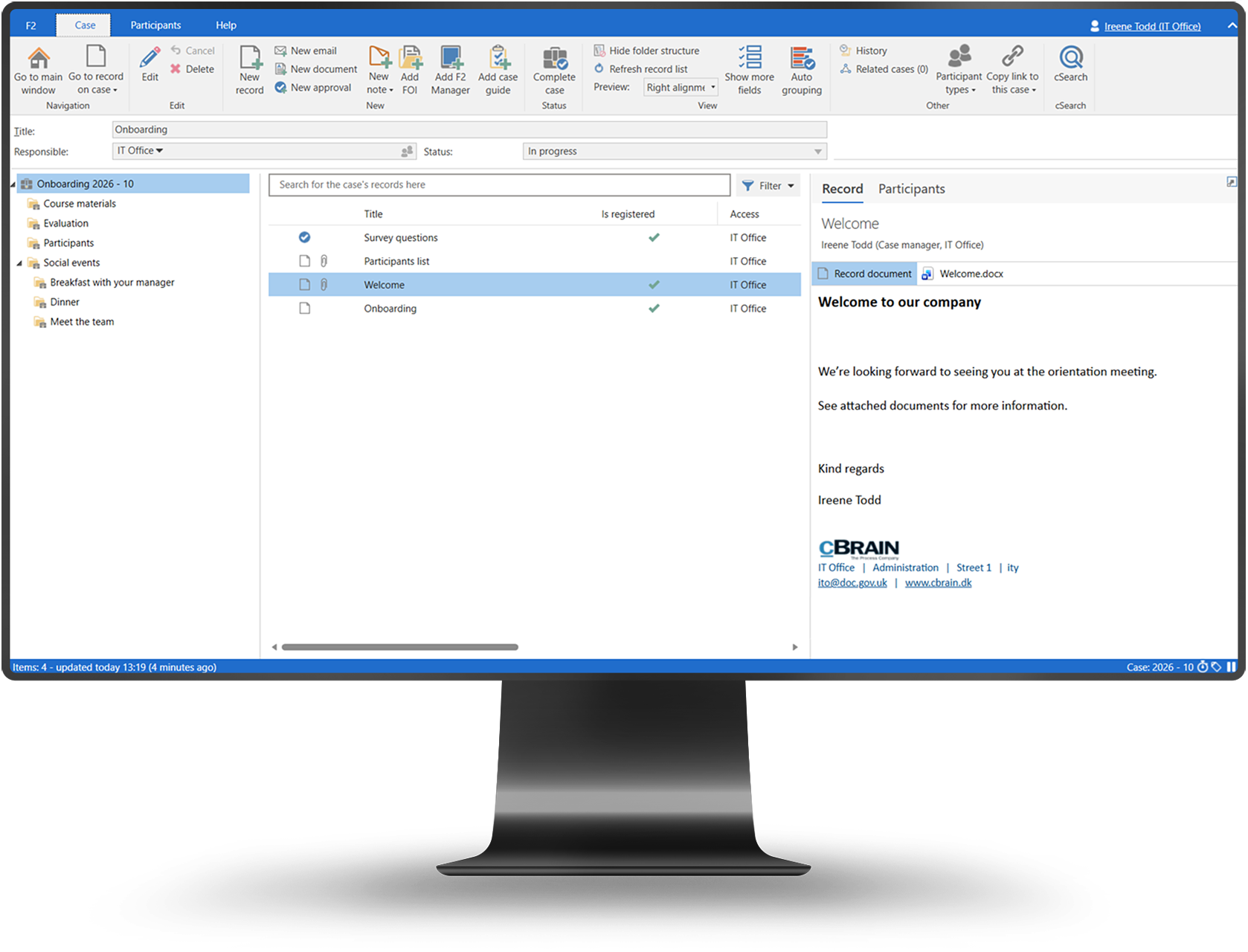

Case folders help users structure documents and records within individual cases, supporting clarity, collaboration, and compliant handling of case material.

Clear organization. Structure documents logically within each case.

User-driven flexibility. Allow users to create folders suited to the specific case.

Policy-aligned practice. Support organizational guidelines for consistent folder use.
Flexible case-based organization
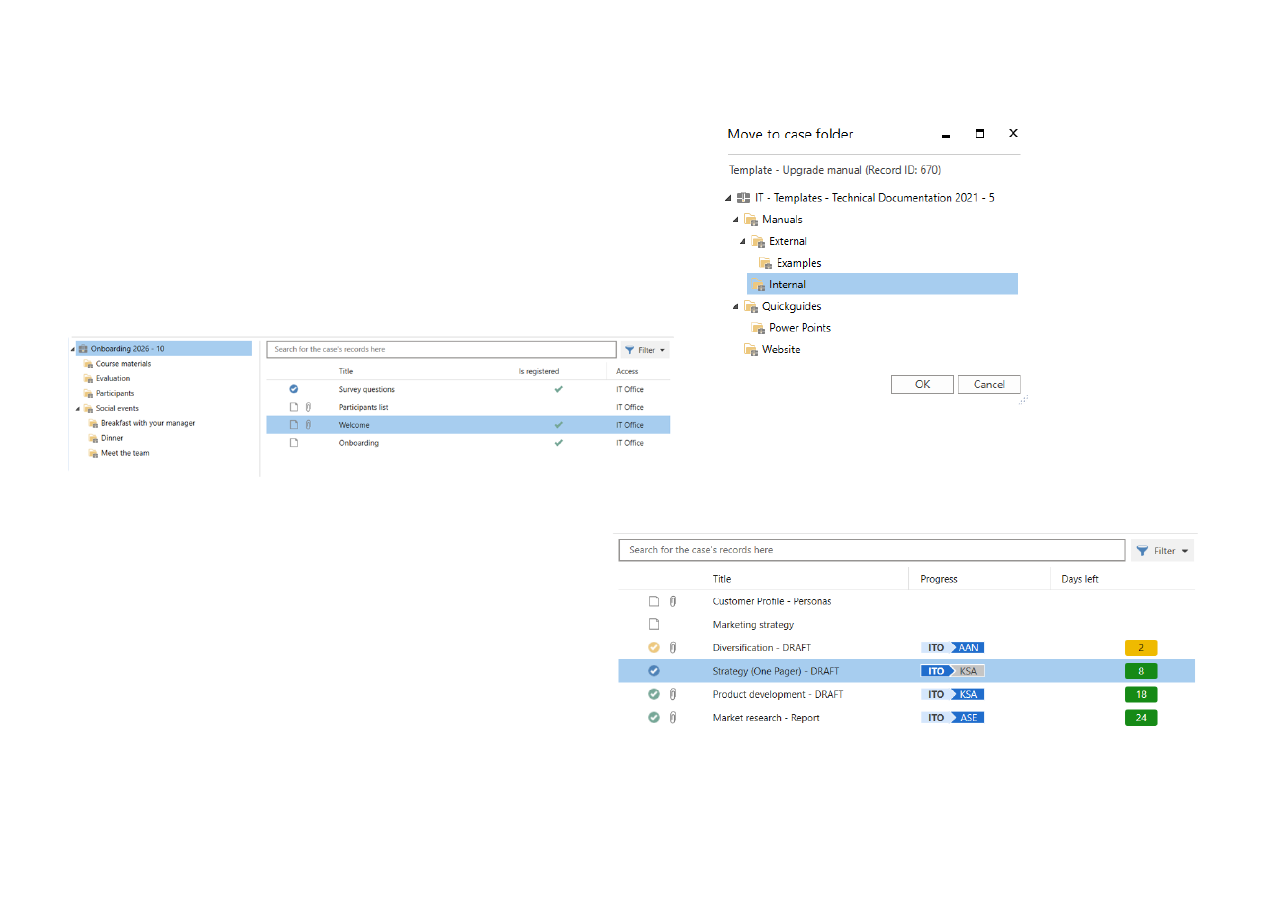


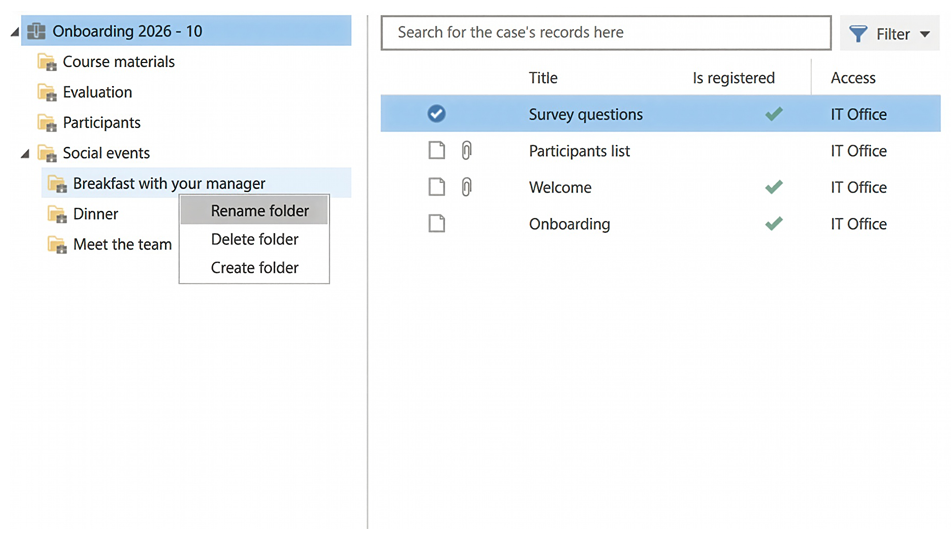
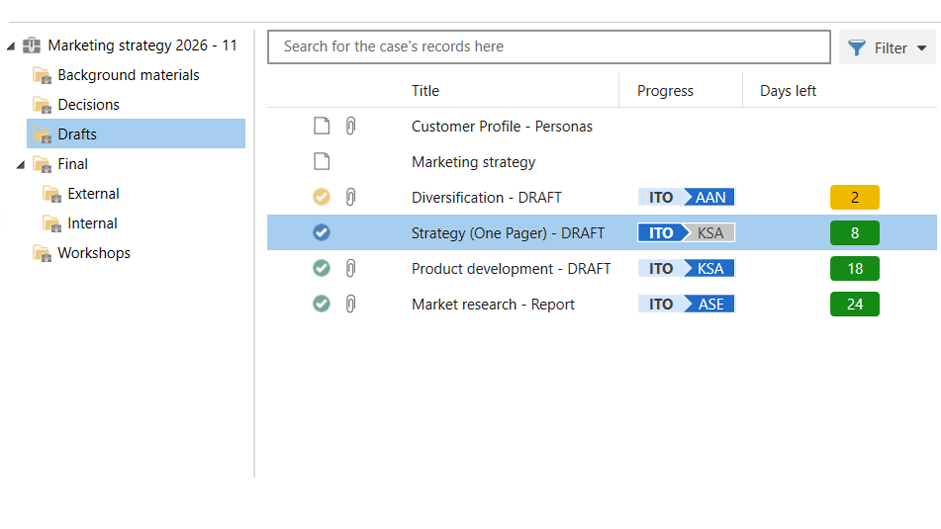
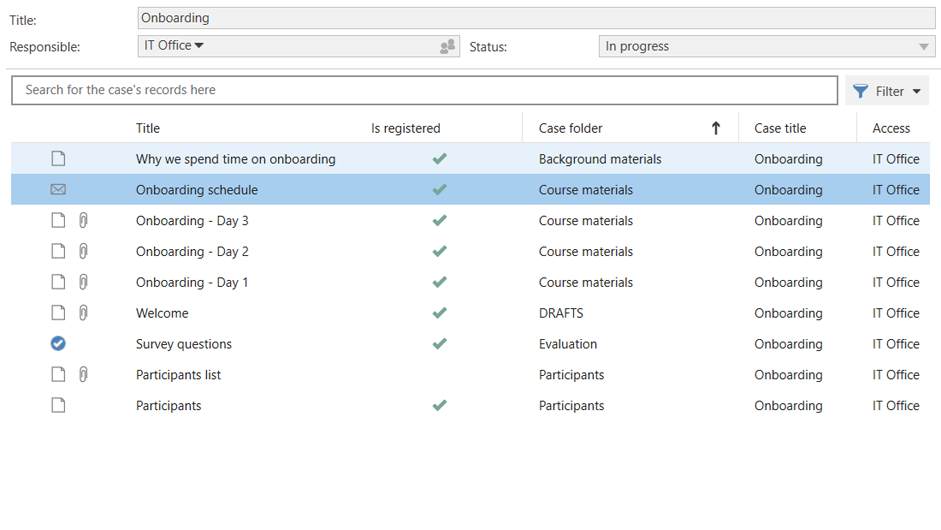
Organize large volumes of documents clearly.
Ensure compliant document structuring.
Support shared understanding across departments.
Folder hierarchies are centrally defined and consistently applied.

Folder access follows role-based permissions.

Document placement supports traceability and audits.


